1. Core Offline Architecture
Smart Budget ("the App", "we", "us", or "our"), developed by Dravid Sajin, operates under an Offline-First Privacy Model.
Unlike traditional cloud fintech applications that require bank sync APIs or store your transactions on remote databases, Smart Budget is designed to function entirely standalone. The database resides inside your mobile device’s sandboxed private storage (smart_budget.db via SQLite). We do not operate remote telemetry servers, tracking databases, or user profile stores.
2. Information You Provide & How It Is Handled
All information entered into the application is provided voluntarily by you to facilitate personal budgeting, expense calculation, and debt payoff projection:
| Data Type | Examples | Where It Is Stored |
|---|---|---|
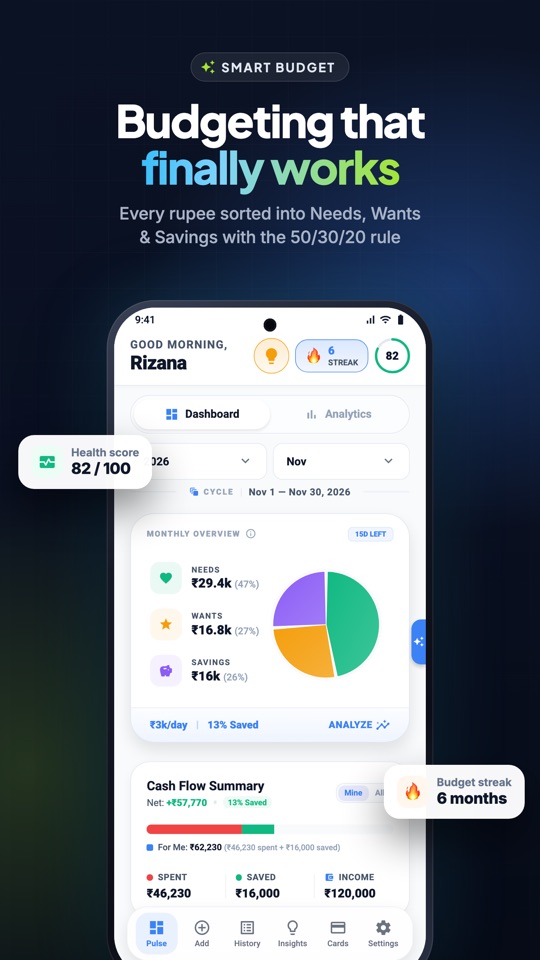
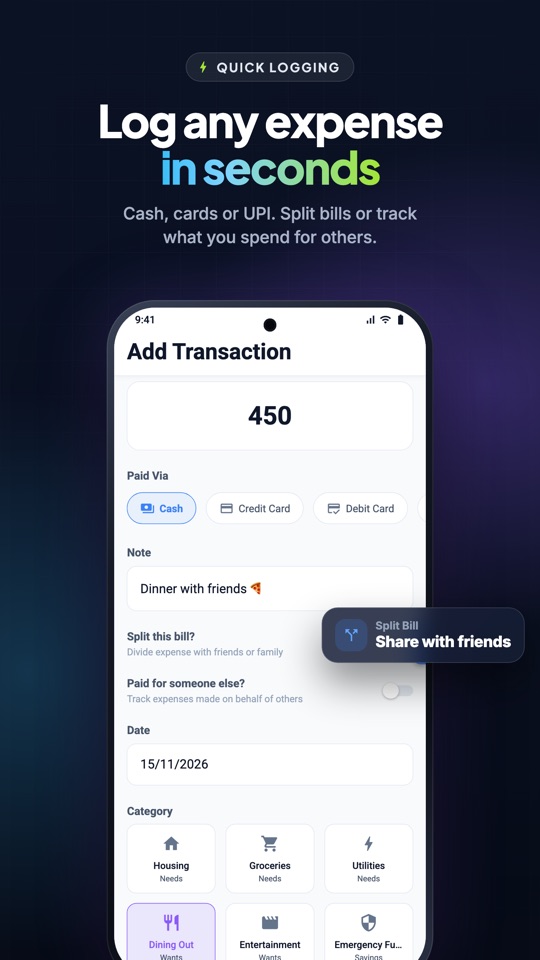
| Transactions & Ledger | Amount, date, category (e.g. Food, Fuel), payment mode, custom notes. | Device Local SQLite only |
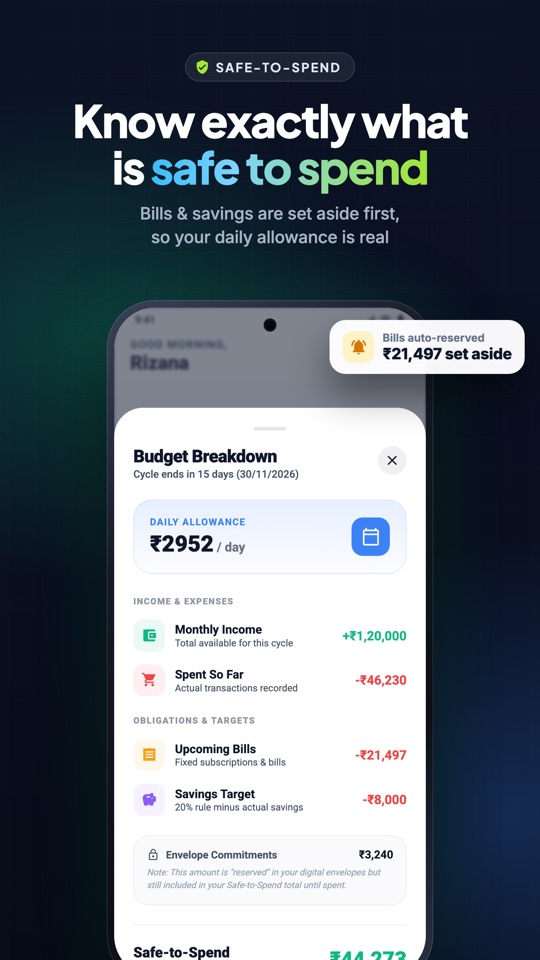
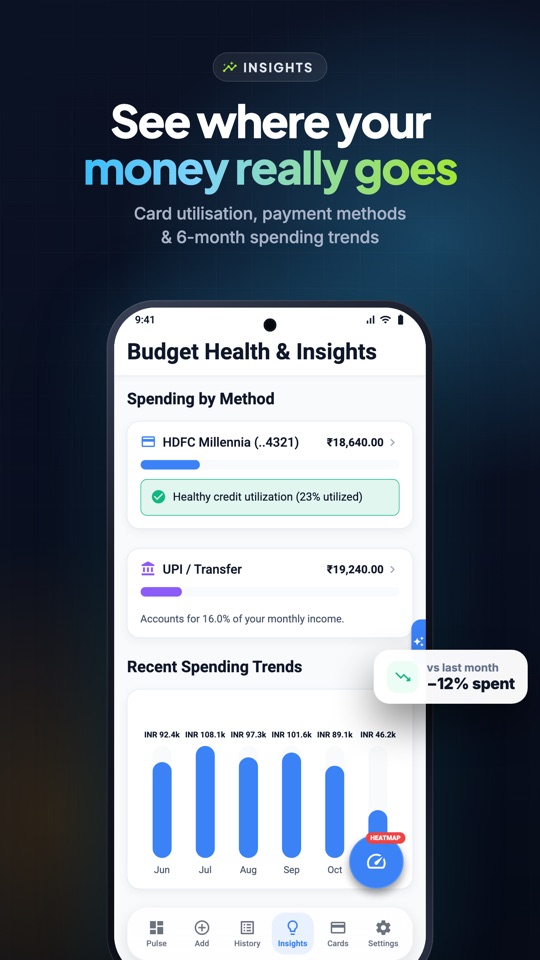
| Credit Cards & Bills | Bank name, card network, last 4 digits, billing date, due date, limit. (No CVV, PIN, or full 16-digit PAN is ever collected). | Device Local SQLite only |
| Debts & Loans | Principal, interest rate, tenure, EMI, payoff milestones. | Device Local SQLite only |
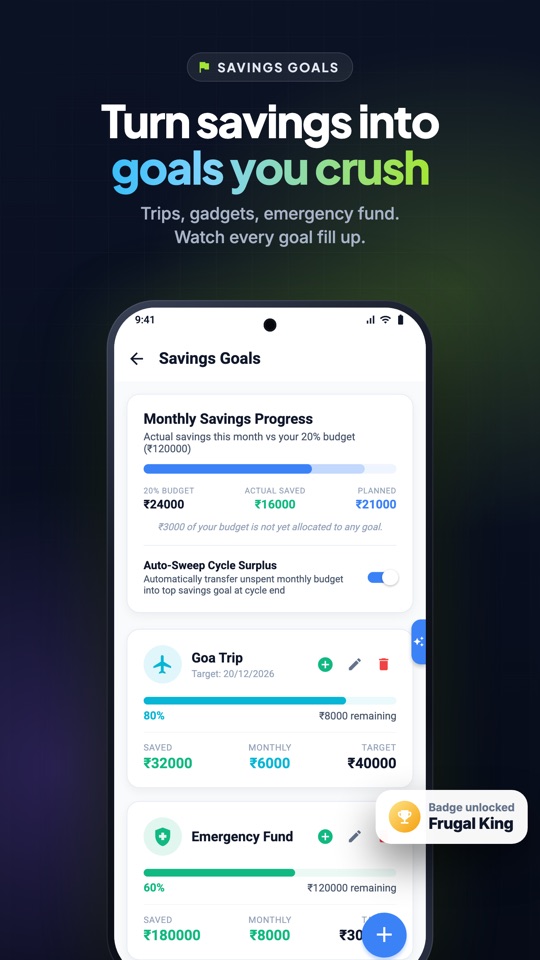
| Digital Envelopes & Goals | Monthly category allocations, rollover amounts, savings targets. | Device Local SQLite only |
| Paycheck Allocations | Income frequency, waterfall fixed bills, guilt-free daily safe spend. | Device Local SQLite only |
| App Preferences | Base currency symbol, theme (dark/light), notification schedules. | Device Local AsyncStorage |
3. Device Permissions & System Access
The application requests minimal permissions strictly necessary for native Android features:
-
Biometric Authentication (
USE_BIOMETRIC/USE_FINGERPRINT): Used solely to unlock the app using your device's fingerprint or face scanner. Authentication is executed entirely by the Android OS Hardware Security Module (BiometricPrompt). The app never receives, stores, or accesses your actual biometric data. -
Notifications (
POST_NOTIFICATIONS): Used exclusively to deliver locally scheduled reminders on your device (e.g., daily expense logging reminder, weekly budget review, or statement cycle wrap-up). No remote push notification servers or device tokens are used. - File Storage & Export: Used when you explicitly choose to generate and export an Executive Monthly PDF Statement or a local JSON database backup file to your device's download folder.
4. Third-Party Sharing, Advertising & Tracking
We uphold a zero-monetization policy on personal user data:
- No Ad Networks: Smart Budget does not contain any advertising SDKs (e.g. Google AdMob, Unity Ads, Meta Audience Network).
- No Data Brokers: We do not sell, rent, monetize, or disclose your financial records to data brokers, financial institutions, or marketers.
- No Third-Party Analytics: We do not use third-party user behavioral trackers (e.g. Mixpanel, Amplitude, Adjust).
5. Backup & Restore
Smart Budget includes an optional, fully offline backup feature so you can safeguard your data across phone changes and reinstalls:
- Local Backup Only: The Google Play version offers local backup only. When you tap Export Local Backup, the app creates a JSON file containing your data and lets you choose where to save or share it. Nothing is uploaded by the app.
- User-Controlled: Backups are created only when you ask for one, and restored only when you choose a backup file yourself.
- Keep Your Backup Safe: Backup files are not encrypted. Anyone with access to the file can read it, so store it somewhere private and delete old copies you no longer need.
- No Cloud Sync: The Google Play version does not offer Google Drive backup or any other cloud sync, and does not connect to Google Drive.
6. User Control & Permanent Data Deletion Rights
In strict compliance with Google Play User Data Policies, you have absolute control over your personal data:
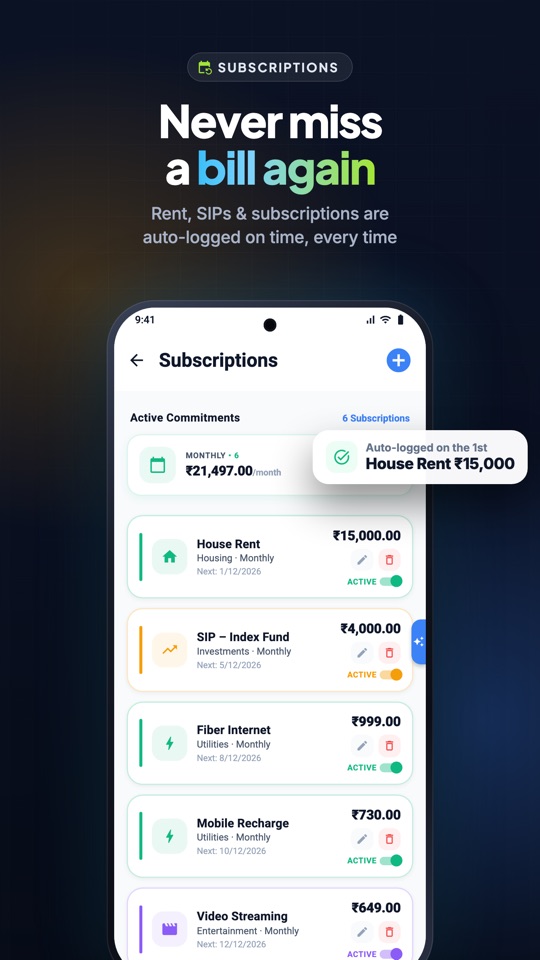
- Delete Individual Records (In-App): You can delete any transaction, subscription, card, bank account, debt, asset or savings goal at any time using its delete (🗑) button inside the app.
- Erase All Data: To permanently erase everything at once, open your phone's Settings ➔ Apps ➔ Smart Budget ➔ Storage & cache ➔ Clear storage. This permanently removes the app's database and preferences from your device.
- Uninstall Deletion: Because all data is stored locally in the application's private sandboxed directory, uninstalling Smart Budget from your Android device immediately purges all application data from device storage.
- Backup Files: Local backup files you exported are saved where you chose. You can delete them from your device or storage location at any time. The developer has no copy of them.
7. Data Security Architecture
We implement multiple layers of security to safeguard your local financial information:
- Sandboxed OS Storage: The SQLite database is created in Android's private app storage (
/data/data/com.dravidsajin.smartbudget/), which cannot be read or accessed by other installed applications. - No Remote Servers: Your financial data is never transmitted to the developer or any third-party server, so there is no remote database that could be breached.
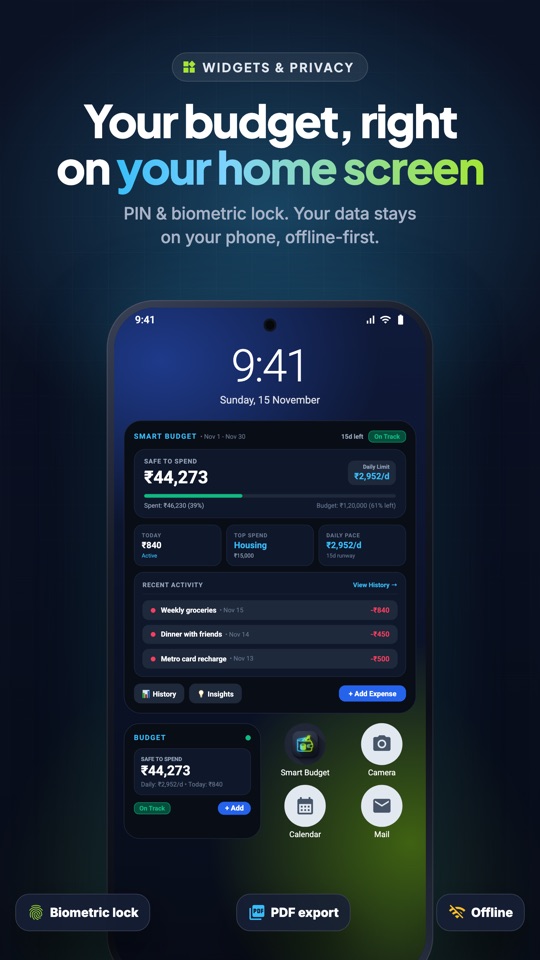
- PIN & Biometric Lock: App launch can be protected with a 4-digit PIN (with escalating lockouts after repeated wrong attempts) and optional fingerprint or face unlock, preventing unauthorized physical access.
8. Children's Privacy
Smart Budget is a personal financial management tool intended for individuals managing their personal or household budgets. The app does not target, collect, or solicit personal information from children under 13 years of age.
9. Contact Information & Inquiries
If you have any questions, suggestions, or concerns regarding this Privacy Policy or the security of the application, please contact the developer directly: